

Appearance
Square Payment Gateway
Go to https://developer.squareup.com/us/en
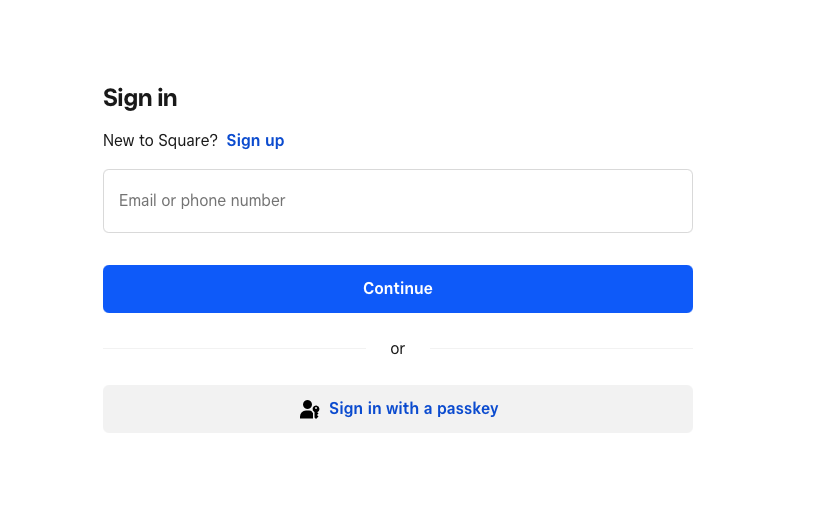
Sign in with your existing Square Account
Click on the grey “+” button to create a new app.
Type in your Application Name
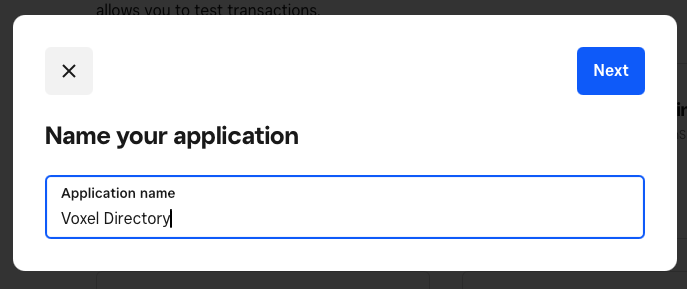
You can skip the “What will you build first”
You can skip the “Find your audience”
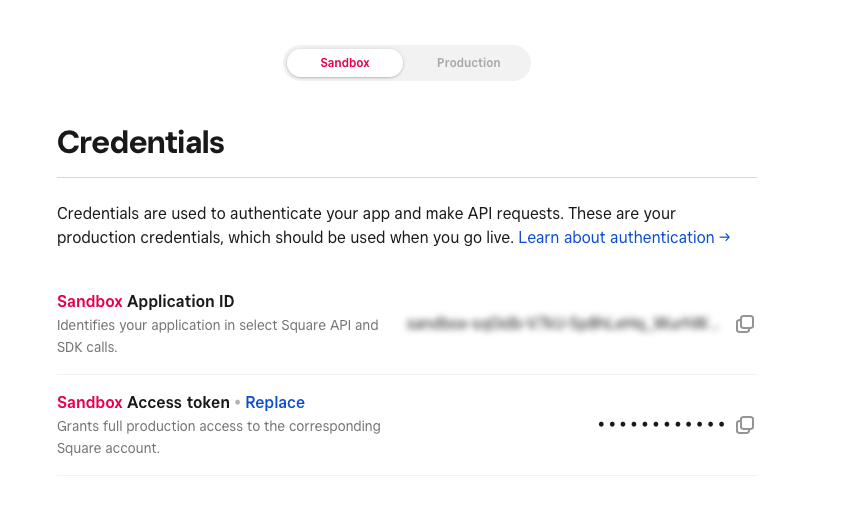
Switch between Sandbox or Production. your credentials will change. You will need the Sandbox/Production Application ID, Sandbox/Production Access Token.
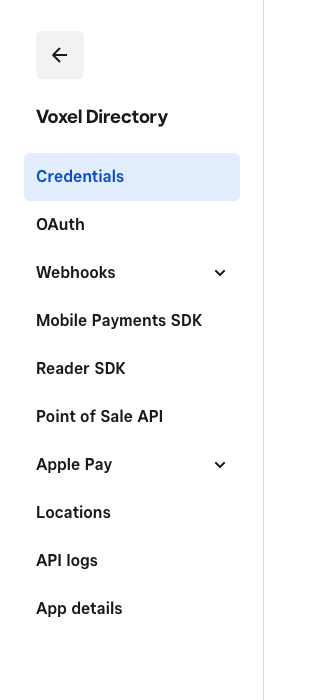
Click on Locations on the side menu.
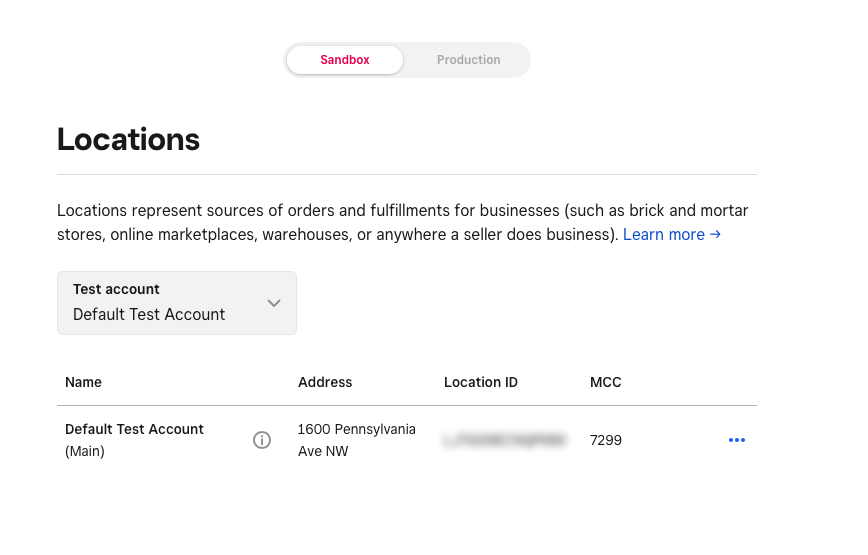
Use the location ID from your sandbox or production site.
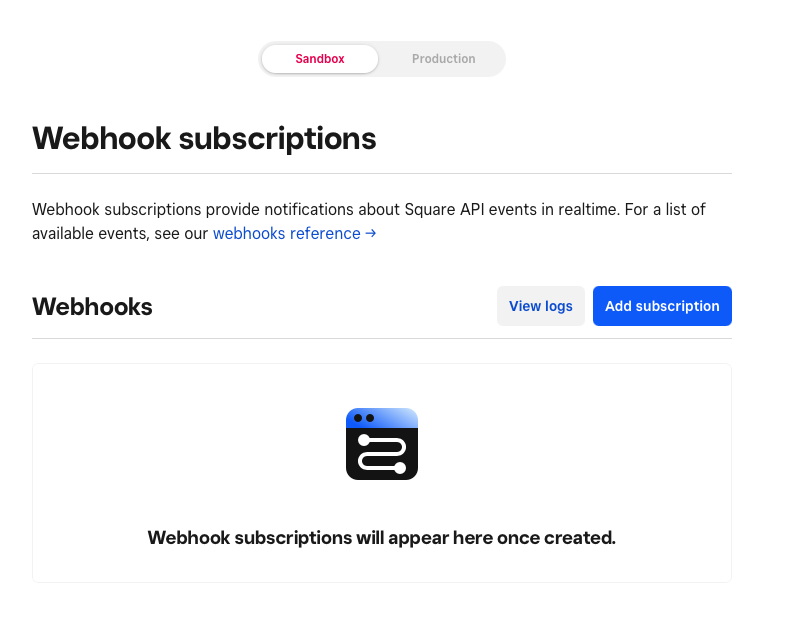
Click on Webhooks in the sidebar, then Subscriptions. Then Add Subscription (blue button)
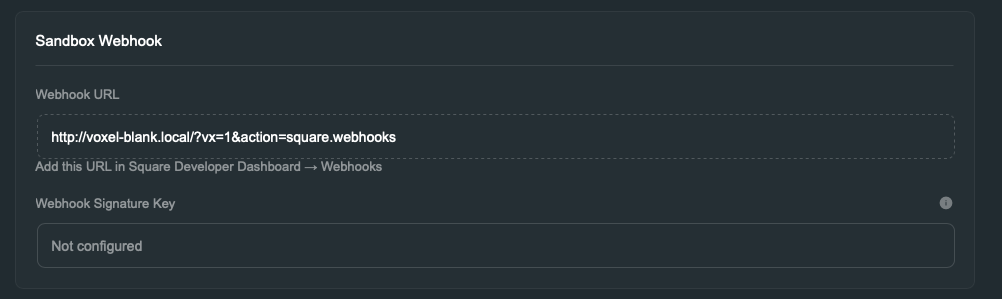
Paste in the web hook int he Ecommerce → Payments → Square → Configure → Webhook into that Notification URL in Square.
Go through and select these webhooks
Payments:payment.completedpayment.updatedrefund.createdrefund.updatedSubscriptions:subscription.createdsubscription.updatedinvoice.payment_madeinvoice.canceledinvoice.scheduled_charge_failedOrders:order.createdorder.updatedThis must be an HTTPS URL and a non local install of WordPress.
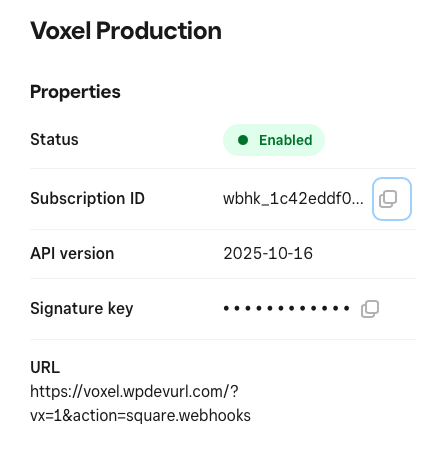
Once complete, click on the web hook name, and copy the signature key. Paste it in the signature key slot under web hook in the Ecommerce → Payments → Square → Configure page.