Appearance
Mercado Payment Gateway
You must first have a completely functional, no limited Mercado Pago account. In any country it supports.
Once you do, go to your account dashboard, then replace “home” in the URL with “developers”. For example: https://www.mercadopago.com.co/developers/es
Login in to the account and create a new Integration
Add your app name, short name, and description. The main thing to have selected is under What are you integrating, select Checkout Pro
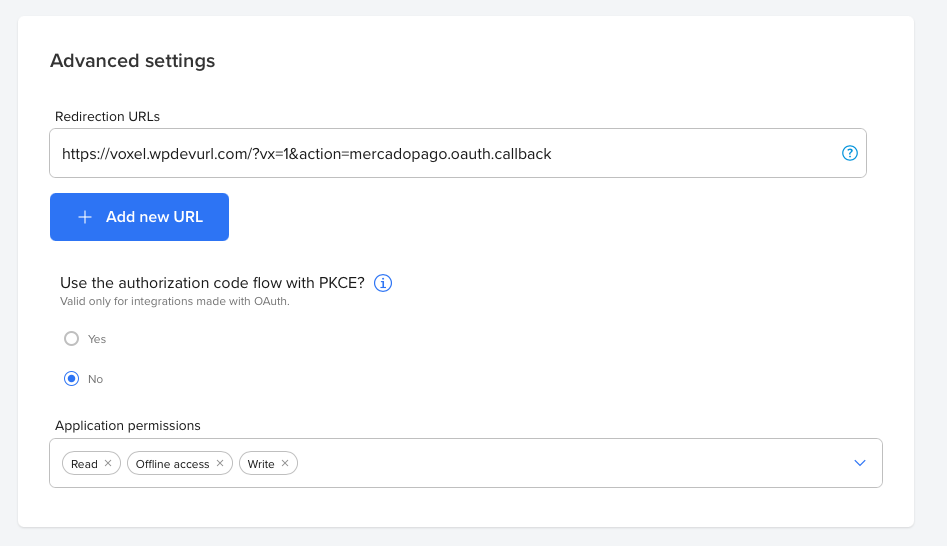
If you are enabling Marketplace, be sure to add the web hook link under the Advanced Settings → Redirection URLs. Use the URL under your settings on your Voxel site. Ecommerce → Payments → Mercado → Configure → Enable Marketplace → OAuth Redirect URL
To enable Marketplace, go to Ecommerce → Payments → Mercado Pago → Configure → Marketplace (Split Payments) then Enable.
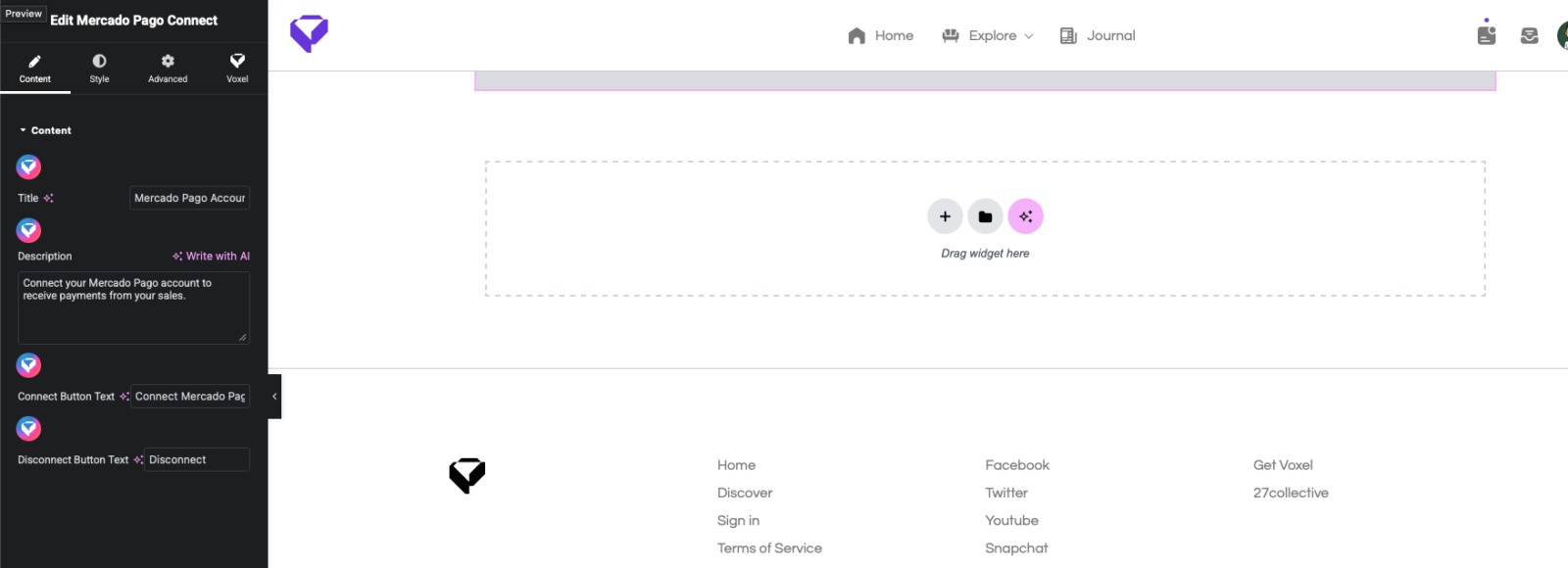
Go to Pages → Add New → Then add a new connect page for users to connect their Mercado Pago account.