Appearance
Paystack Payment Gateway
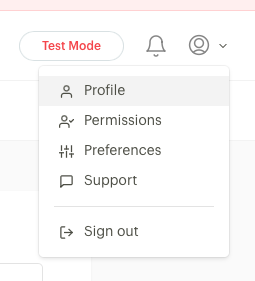
To enable payments, go to your Profile in top right of the dashboard.
Click on Profile
Click on API Keys & Webhooks
Select the keys for your site whether in Test or Production.
You will need the Secret Key, Public Key. Then under the Webhook URL, paste in the url from Ecommerce → Payments → Paystack → Configure → Webhook.
Then save changes.
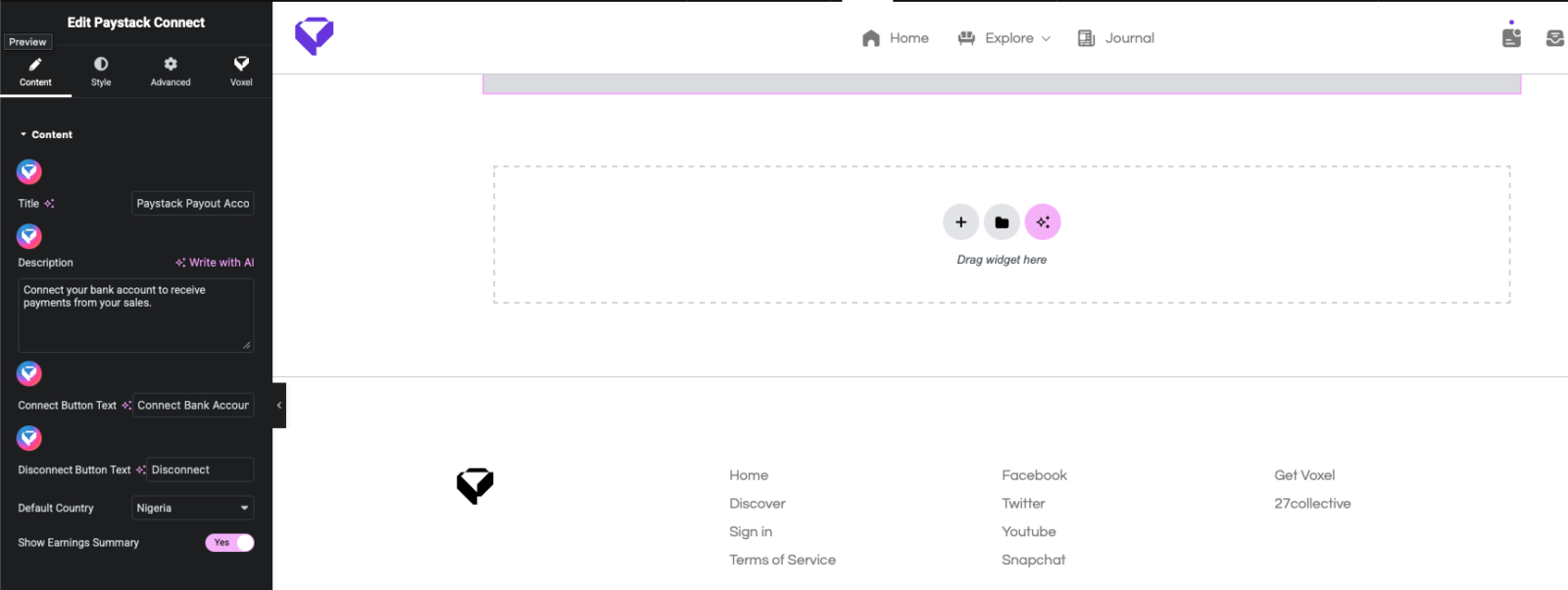
To enable marketplace, go under the same page, go to Marketplace (Split Payments), then enable. Choose your percent split. Then go to the Pages → Add New → Create a new page for the connection. Edit with Elementor, then add the Paystack widget to allow vendors to configure their connected accounts.